Guides
Merge PDF Files Online for Free
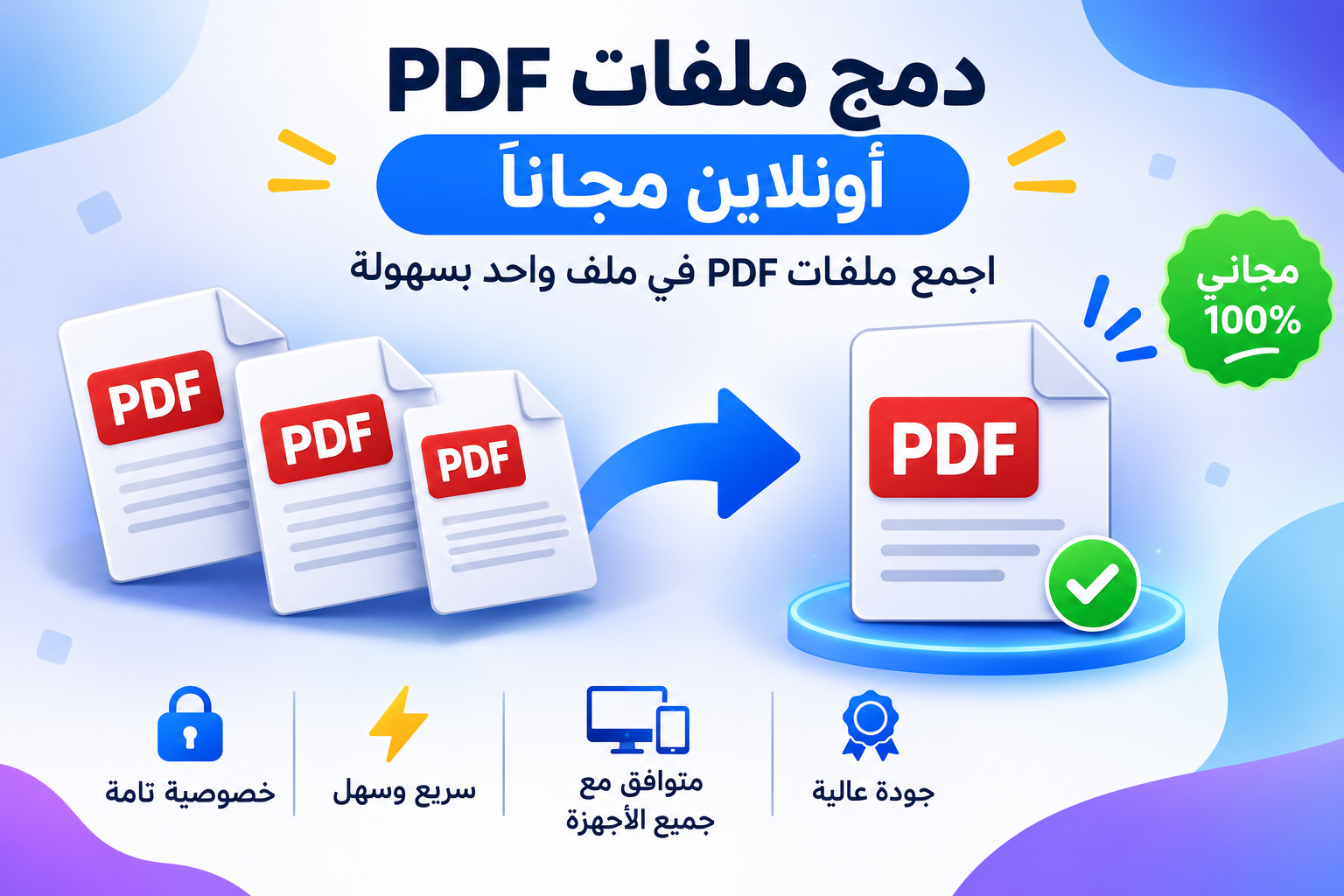 Merge PDF Files Online for Free – Easily Combine PDF Files into a Single File
Do you have multiple PDF files and want to combine them into a single file without having to install software on your device? With Tols.im’s online PDF merger, you can quickly and easily merge two or more PDF files into a single document, with the option to reorder the files as you like before merging.
The tool provides a simple and free way to merge PDF documents directly from your browser—whether you’re using a computer or a smartphone—without the need for additional software or complicated steps.
What is a PDF merger?
A PDF merger is a free online tool that lets you combine multiple PDF documents into a single PDF file. Instead of keeping several separate files, you can combine them into a single document that’s easy to save, share, and send via email or messaging apps.
The Tolora tool helps you merge PDF files and lets you reorder the documents before merging, so you end up with a final file organized in the sequence you choose.
How do I merge PDF files into a single file?
You can use Tolora’s PDF merger tool in a few simple steps:
Open the PDF merger tool.
Select two or more PDF files from your device.
Reorder the files using the up and down arrows.
Click the Merge PDF Files button to start the process.
Once the merge is complete, download the new PDF file to your device.
With these simple steps, you can combine your various documents into a single, ready-to-use PDF file.
Features of Tolora’s PDF Merger
The Tolora tool offers a range of features that make merging PDF files easier and more convenient:
Completely free: You can merge PDF files without needing a paid subscription.
Easy to use: A simple interface allows you to merge files without any technical expertise.
Merge Multiple Files: Combine two or more files into a single PDF document.
File Order: Control the order of the documents before merging them.
Preserve file quality: Pages retain text and images in their original quality.
Preserve text: Text remains selectable and searchable instead of converting pages to images.
File privacy: Documents are processed locally within your browser and are not uploaded to the website’s servers.
No software installation required: Use the tool directly from your web browser.
Compatible with various devices: You can use it on a computer, smartphone, or tablet.
Merge PDF files without losing quality
One of the things users care most about when merging PDF files is preserving the quality of the original documents. That’s why the Tolora tool lets you merge pages while maintaining their quality, including the text, images, and formatting within the documents.
Text also remains selectable and copyable, making the final file suitable for academic, business, and official documents.
Can I merge PDF files in the order I want?
Yes, you can control the order of the files before starting the merging process. If you have multiple documents and want one to appear before another in the final file, you can use the reorder arrows to move the files to the appropriate position.
This feature is useful when compiling class materials, report pages, or administrative documents that require a specific sequence.
Is merging PDF files secure and does it protect privacy?
File privacy is important, especially when dealing with personal or professional documents.
Tolora’s PDF merger tool relies on local processing within your browser, meaning that files are processed on your device and are not uploaded to the website’s servers for merging.
This gives you better control over your documents while using the tool, without having to send your files to external services.
When do you need to merge PDF files?
There are many situations where merging PDF files is useful, most notably:
Students: Combining lectures, notes, and assignments into a single file.
Employees: Merging reports and administrative documents to make sharing easier.
Companies: Combining invoices, contracts, and documents related to a single project.
Teachers: Combining worksheets, tests, and teaching materials.
Researchers: Organizing research papers, references, and scientific documents.
General Users: Combine PDF images and various documents into a single file.
Merge PDFs from Your Phone or Computer
You don’t need a computer to use the PDF merger tool—you can open Toloora from your phone’s browser, select the files you want to combine, then arrange and merge them and download the result.
The tool works via a web browser, making it a practical option for users of Android, iPhone, Windows, Mac, and other devices that support modern web browsers.
Frequently Asked Questions About Merging PDF Files
How do I merge two PDF files into one?
Open Toloora’s PDF merger tool, select the two files you want to merge, specify their order, and click the “Merge” button to download the final document.
Can I merge more than two PDF files?
Yes, you can add multiple PDF files and merge them into a single document. There is no set limit on the number of files, but very large files may depend on the device’s available memory.
Is the PDF merger tool free?
Yes, you can use the Tolora tool to merge PDF files for free online without having to purchase software or install an app.
Does merging PDF files reduce the quality?
No, the pages are copied while preserving their original quality, including the quality of images and text within the documents.
Are my files uploaded to the website’s server?
No, PDF files are processed locally within your browser, and documents are not uploaded to Tolora’s servers for the merging process.
Can I reorder the PDF files before merging them?
Yes, you can reorder the files using the drag-and-drop arrows before starting the merging process, so that the content of the final document appears in the order you want.
Does the PDF merger tool work on a phone?
Yes, you can use the tool from a smartphone or tablet browser without needing to install an additional app.
Do I need to create an account to use the tool?
You can use the PDF merger directly from the tool’s page without needing to create an account to perform the merge.
Start merging PDF files for free now
If you’re looking for a quick and easy way to combine PDF documents into a single file, Tols.im’s PDF merger tool offers the perfect solution. Upload your files, arrange them in the order you want, then merge them and download the final document in just a few simple steps.
Try the tool now: Merge PDF files for free online – Tols.im